






Documentation / SwiftLing Pro
Settings › Import brings the languages and translations of a multilingual plugin used before into SwiftLing, at the same addresses.
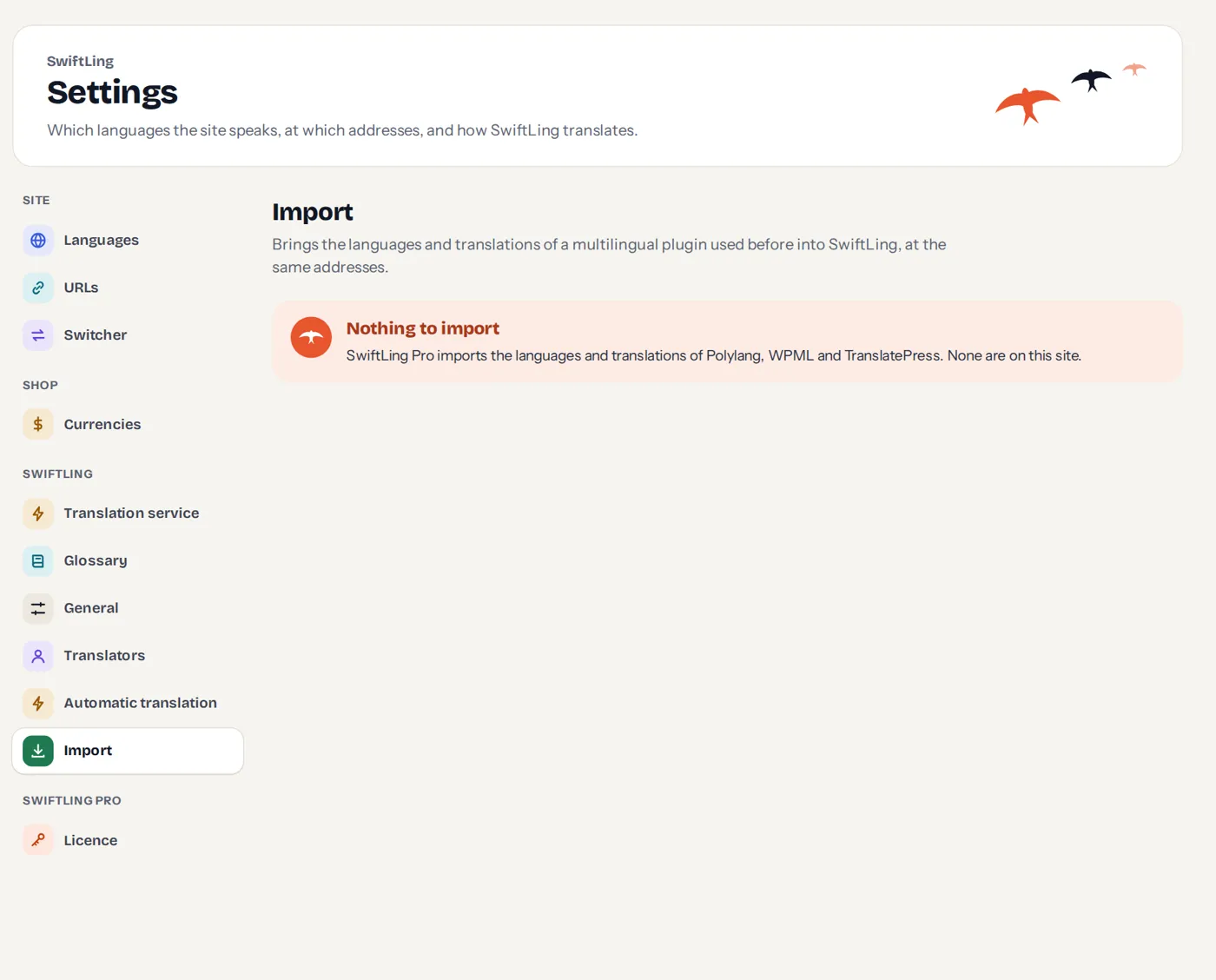
On a site without such data the screen says Nothing to import.
Before you start
- Deactivate the other plugin before the import starts: SwiftLing reads its data from the database.
- Back up the database first. The import moves the translated posts to the Trash, and Clean up removes more.
The five steps
- What was found: the original language, the address format, and each language with how much is translated.
- Choices: for example what to do with a translation laid out differently from its original (Import what matches or Keep it as it is as a separate copy), and the comments of the translations (Move them to their original or Leave them).
- Import: starts the run. It runs on the server; you can close the tab. Stop stops it, Go on continues.
- Report: what was imported, and what was not and why, with links. Rows are grouped: To check, Kept as it was, Done for you, Not done.
- Clean up: once the site looks right, removes the translated terms, the menus of other languages and the copies of files the other plugin kept per language. The visible site does not change. (The translated posts are already in the Trash, which WordPress empties after 30 days.)
What it does
- Takes the languages, folders and names, so addresses stay as they are.
- Checks every page, translates each text with the translations the other plugin kept, page by page, including header, footer, menus, theme and plugin texts, images a language showed.
- Texts translated in part read as before, the rest in the original, as machine translations to review.
- The other plugin’s language switchers become SwiftLing’s.
- Translated posts move to the Trash, from where you can bring them back.
Per plugin
- Polylang and WPML keep a post for each language; WPML’s String Translation is read too.
- TranslatePress translates by text; its dictionaries are read.
Yoast SEO addresses stored under a language’s folder are reset, as Yoast does when the permalinks change.
See also the developer notes in the repository (docs/import.md).